01 / HK-TOOLS
उपकरण
चित्रों, दस्तावेज़ों, पाठ, डेटा और कोड के लिए ब्राउज़र टूल।
देखें:
चित्रPDFपाठडेवलपर
काम के अनुसार टूल देखें, कोई वेब गेम चुनें या Education पर कीबोर्ड का अभ्यास शुरू करें।
चित्रों, दस्तावेज़ों, पाठ, डेटा और कोड के लिए ब्राउज़र टूल।
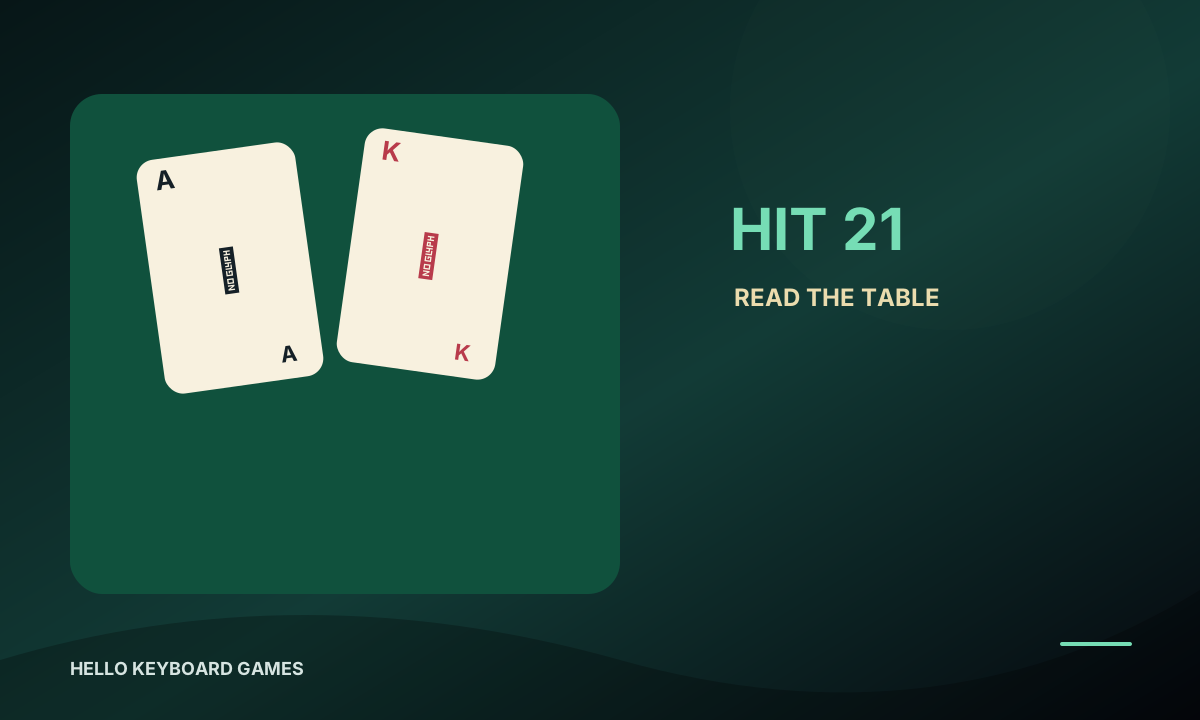
ब्राउज़र में पहेली, बोर्ड, कार्ड और आर्केड गेम तुरंत खेलें।
कीबोर्ड को चरण-दर-चरण सीखें और टाइपिंग गेम से अभ्यास करें।
01 / Tools Capabilities
Browse tools by common tasks. Open any item for the full directory and localized versions. Open the full tools directory ↗
Compress, convert, crop, resize, and sample colors locally for everyday design work.
Merge, extract, convert, and reorder PDF pages locally so sensitive documents stay on your computer.
Tune gradients, shadows, Bézier easing, and glass effects visually, then copy clean production CSS.
Format, validate, and convert structured data with expandable trees for large text payloads.
Deduplicate, count, normalize, sort, and clean Markdown without repetitive manual work.
Fast checks for regex, JWT payloads, timestamps, hashes, and other daily coding tasks.
02 / Games Online
Find a game by type. The Games site includes full descriptions, controls, sources, and license details.
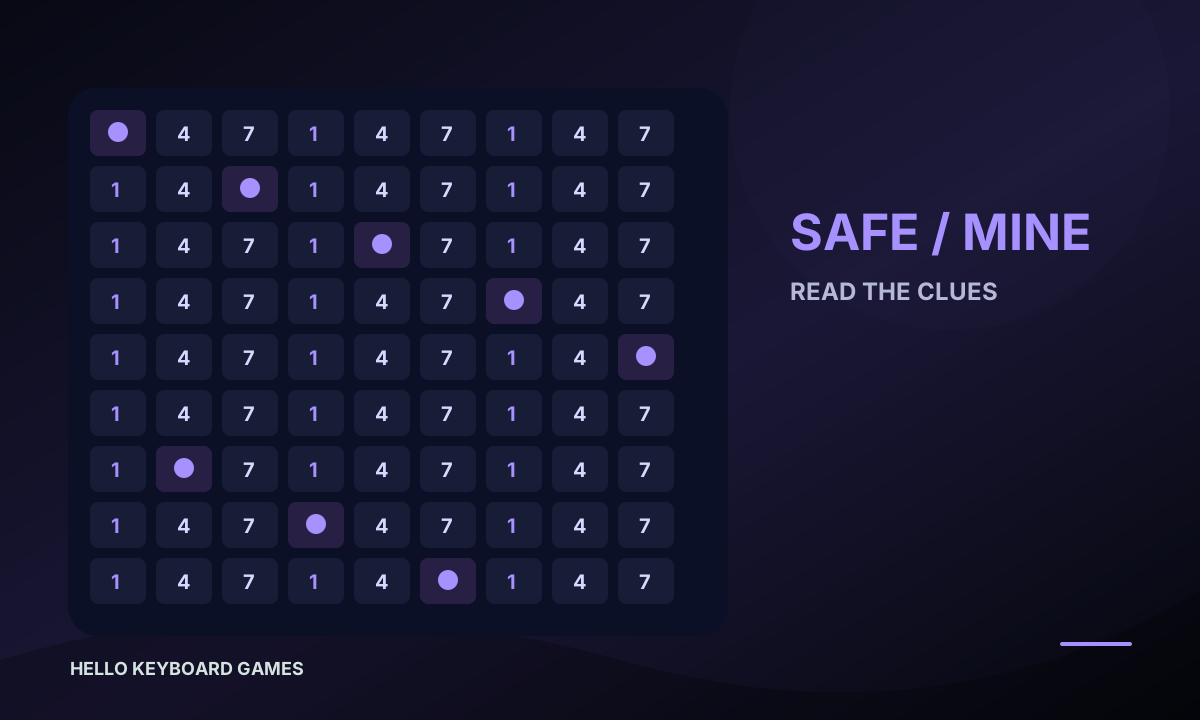
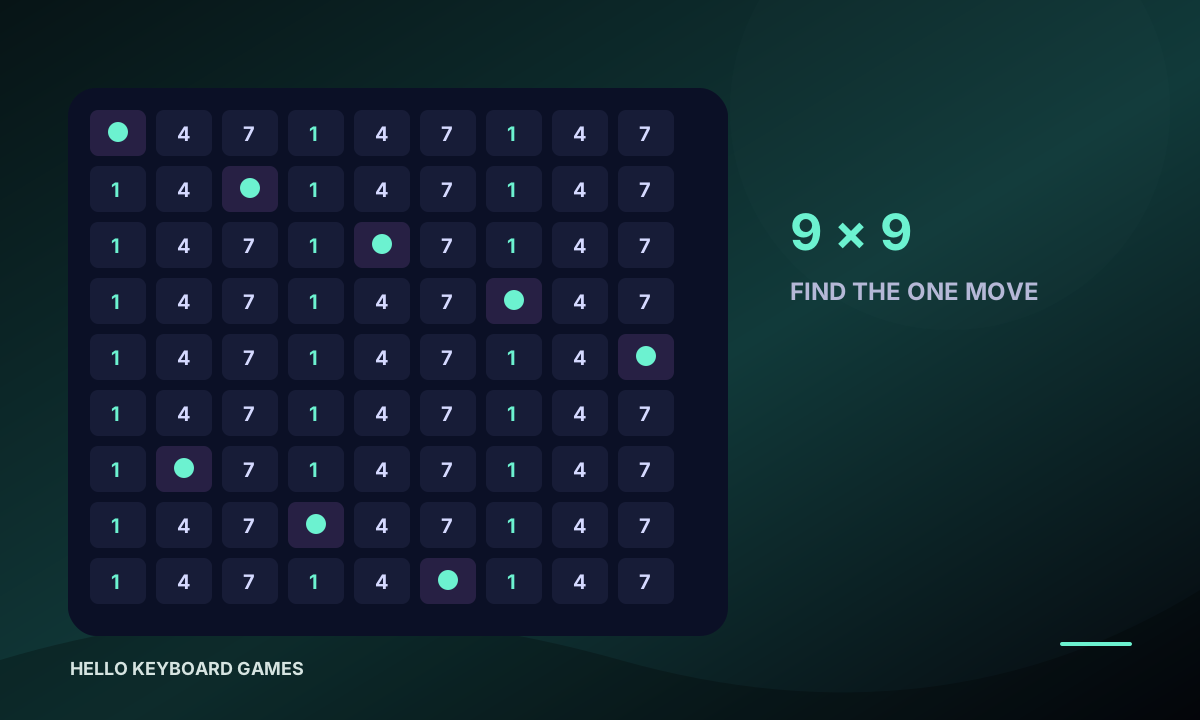
Minesweeper
Use the numbers to reason about nearby mines, flag risks, and clear the board safely.
Sudoku
Fill 1–9 so every row, column, and box has no repeated number.
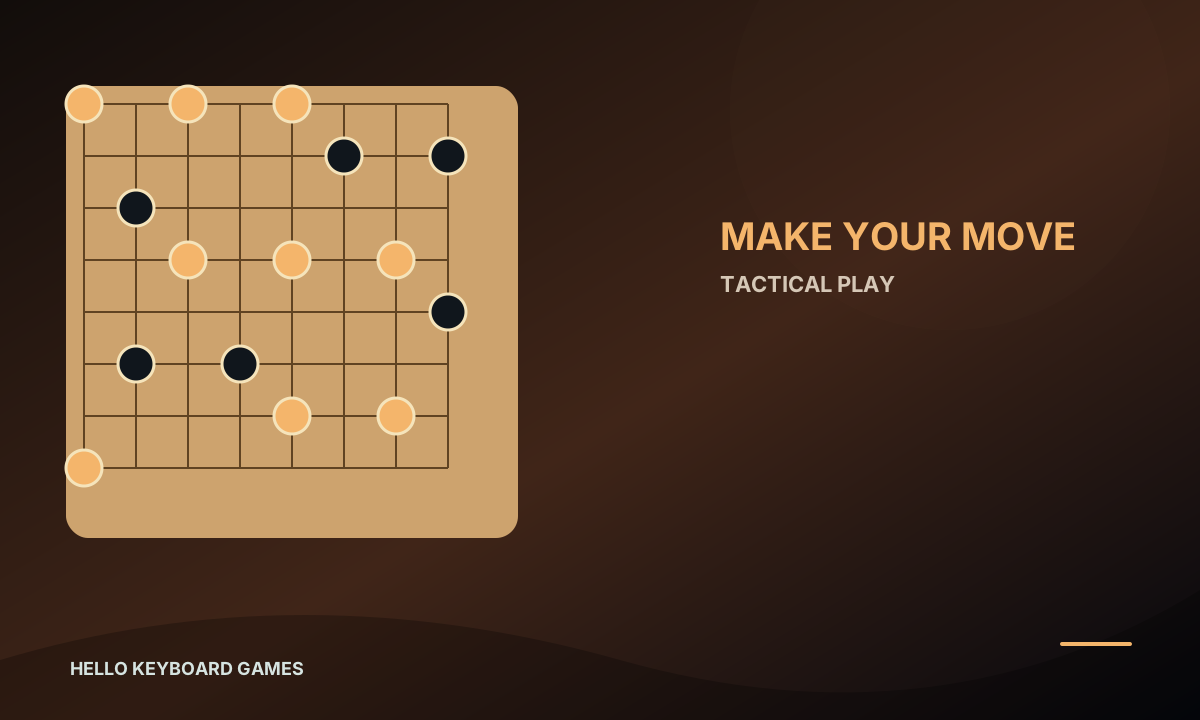
Checkers
Move, jump, and capture pieces in a quick checkers match.
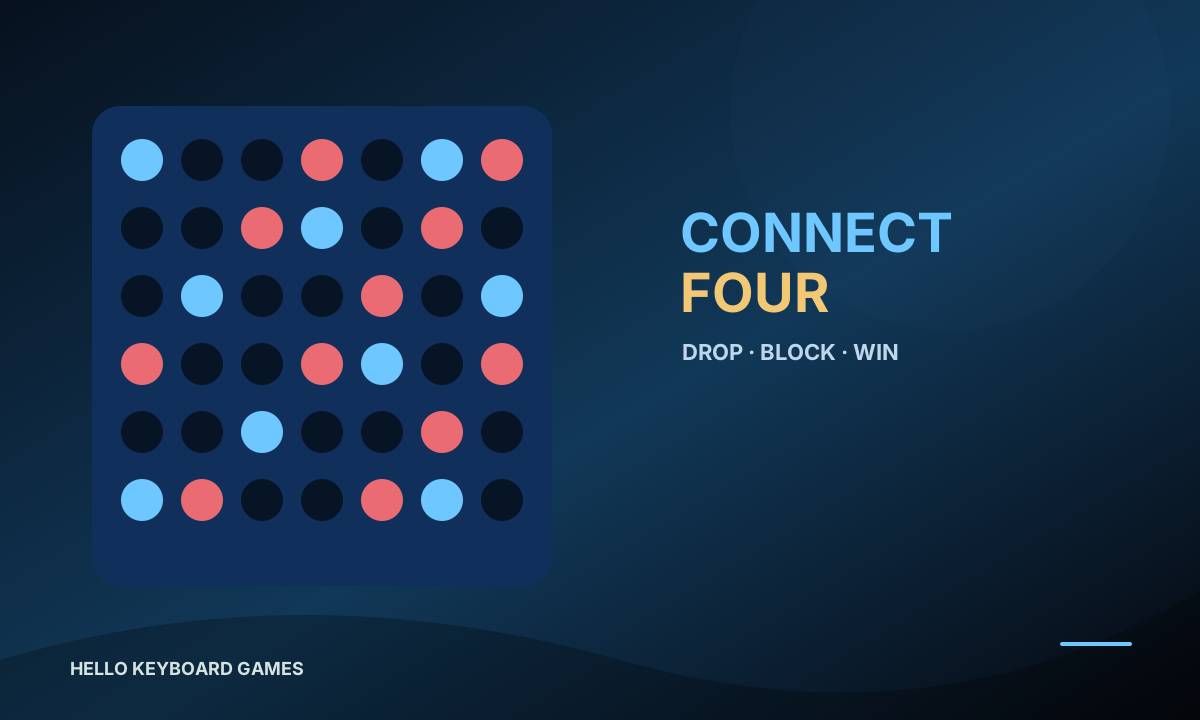
Drop Four
Drop pieces and connect four of the same color horizontally, vertically, or diagonally.
FreeCell
Use four free cells and four foundations to organize the deck and plan every move.
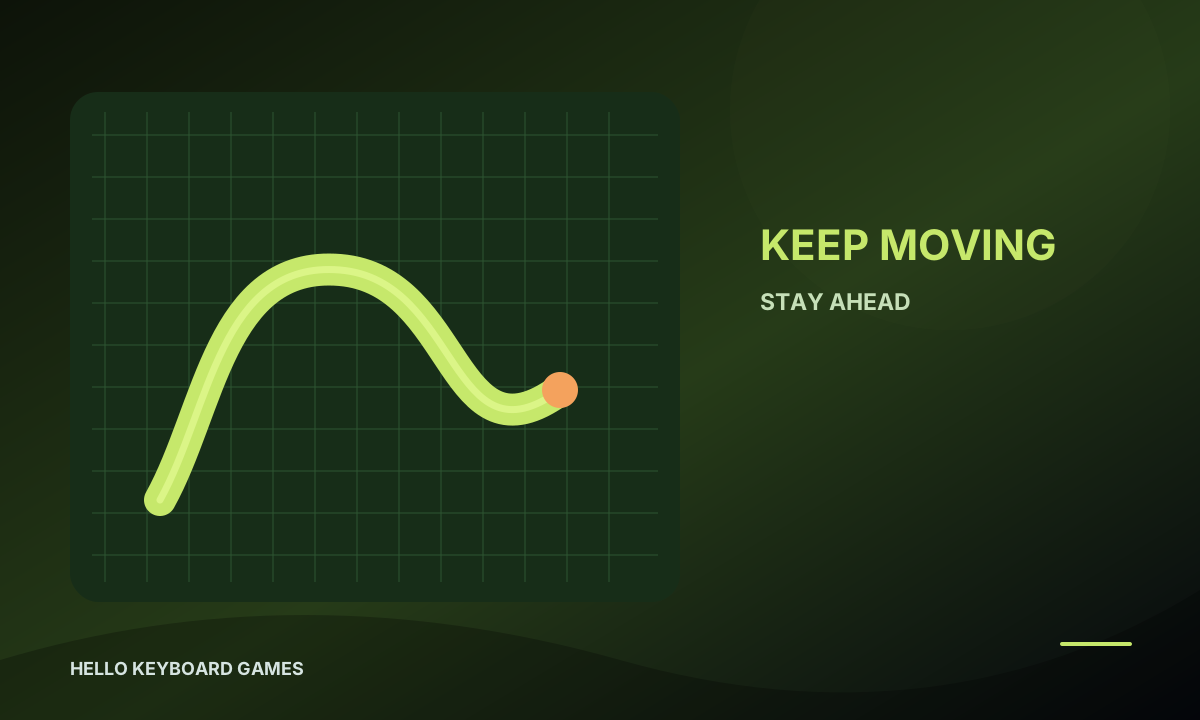
Snake
Guide a growing snake toward food while avoiding the walls and your own tail.
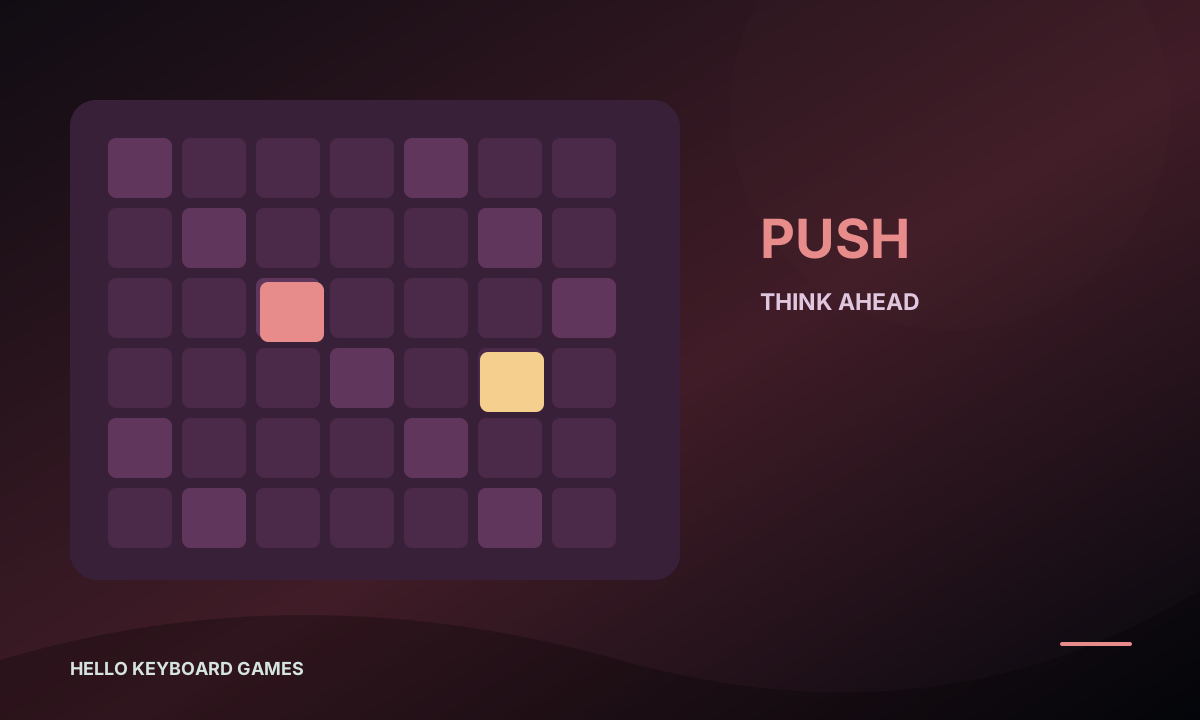
Sokoban
Push every crate onto a goal while leaving room for the next move.
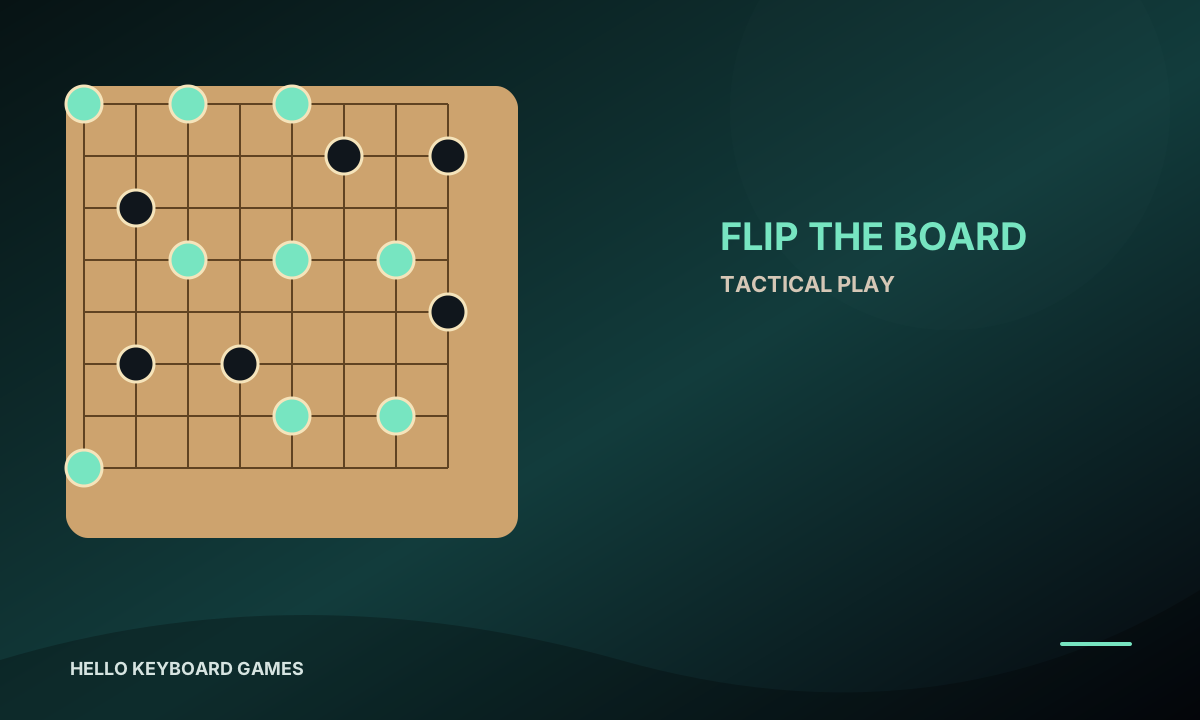
Reversi
Surround opposing pieces to flip them, then finish with more pieces on the board.
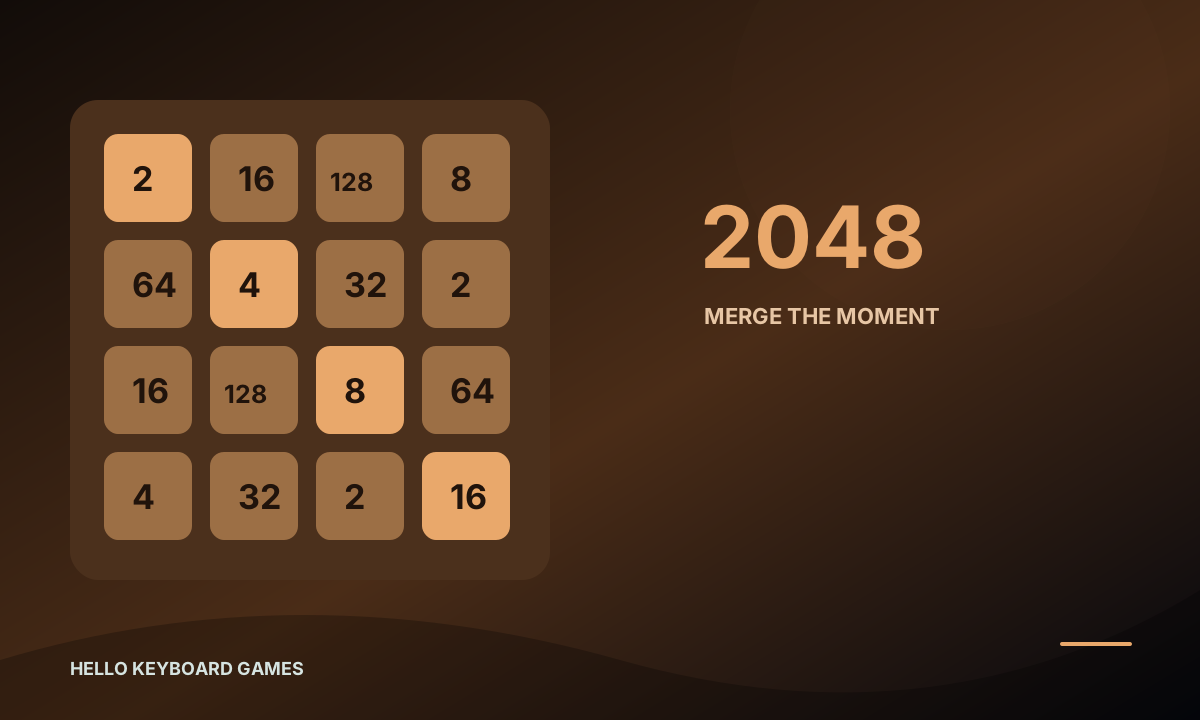
2048
Slide and merge matching number tiles, aiming for a higher score before the board fills.
Visit the standalone Games site for the full directory, instructions, sources, and licenses.
03 / Principles
टूल, गेम और सीखने का अनुभव अलग-अलग है; सभी में स्पष्ट नेविगेशन, ब्राउज़र पर सीधा उपयोग और पारदर्शी जानकारी मिलती है।
Sensitive PDFs, company data, and personal photos stay in the browser sandbox. Private files are never uploaded to a third-party server.
Lightweight code and modern static delivery load quickly, without long splash screens or intrusive pop-ups.
Hello Keyboard was made for the keyboard. Shortcuts and keyboard navigation keep your hands moving efficiently.